Screen Time stays with Apple
The app selection you make in Apple’s Screen Time picker stays on your iPhone. Doomo syncs only an app’s name, so your rules follow you to a new phone.
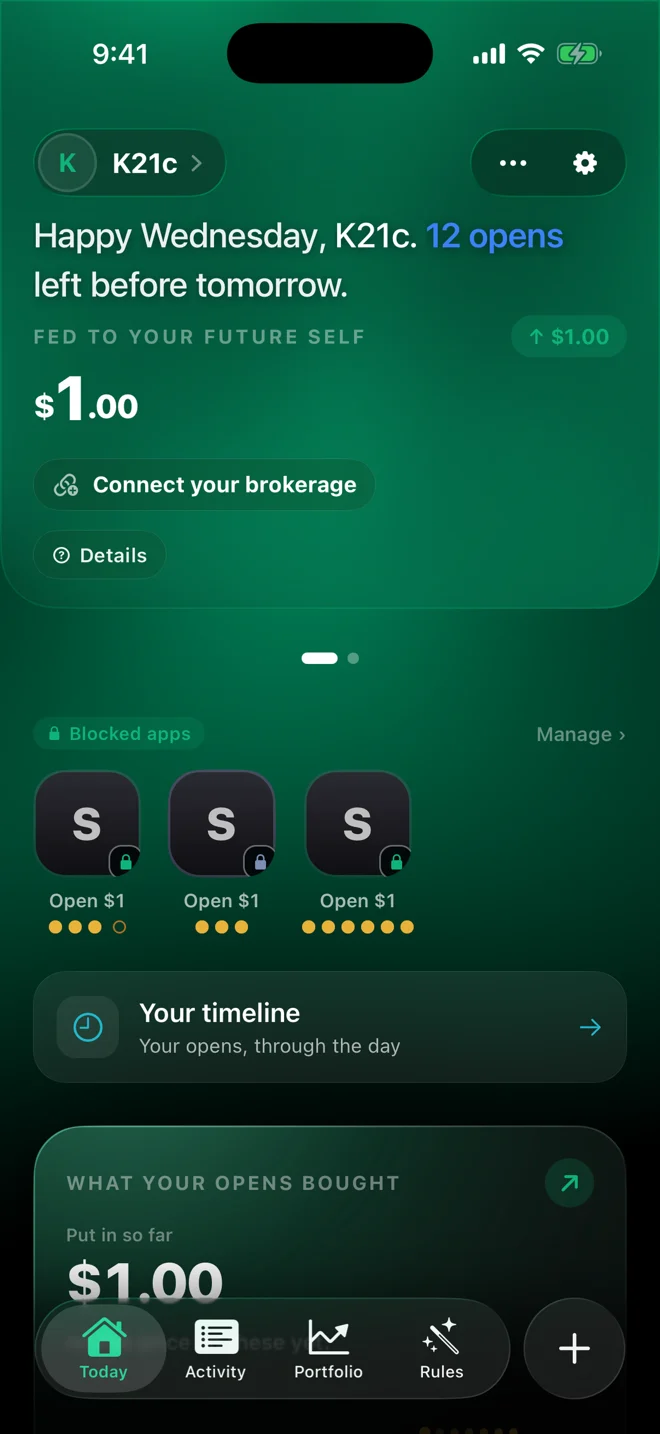
Doomo puts the apps that eat your time behind a rule you write. When you do open one, it’s a choice — and if you want, a small amount you set goes into a stock you picked, in your own brokerage account.
For iPhone. Investing is optional and involves risk. Leaving an app closed is always free.
Instagram is on a rule
You wrote this rule. It asks before you open.
Choose the apps that pull you in with Apple’s own Screen Time picker. Doomo shields them right on your iPhone.
A timed pass each time you open, or locked during the hours you choose. You set how many opens a day and how long each one lasts.
The shield asks first. Slide to open for the minutes you allowed, or leave it closed. Every open lands on your timeline.
Built with Apple’s Liquid Glass, so your rules, your opens and your day stay easy to read.
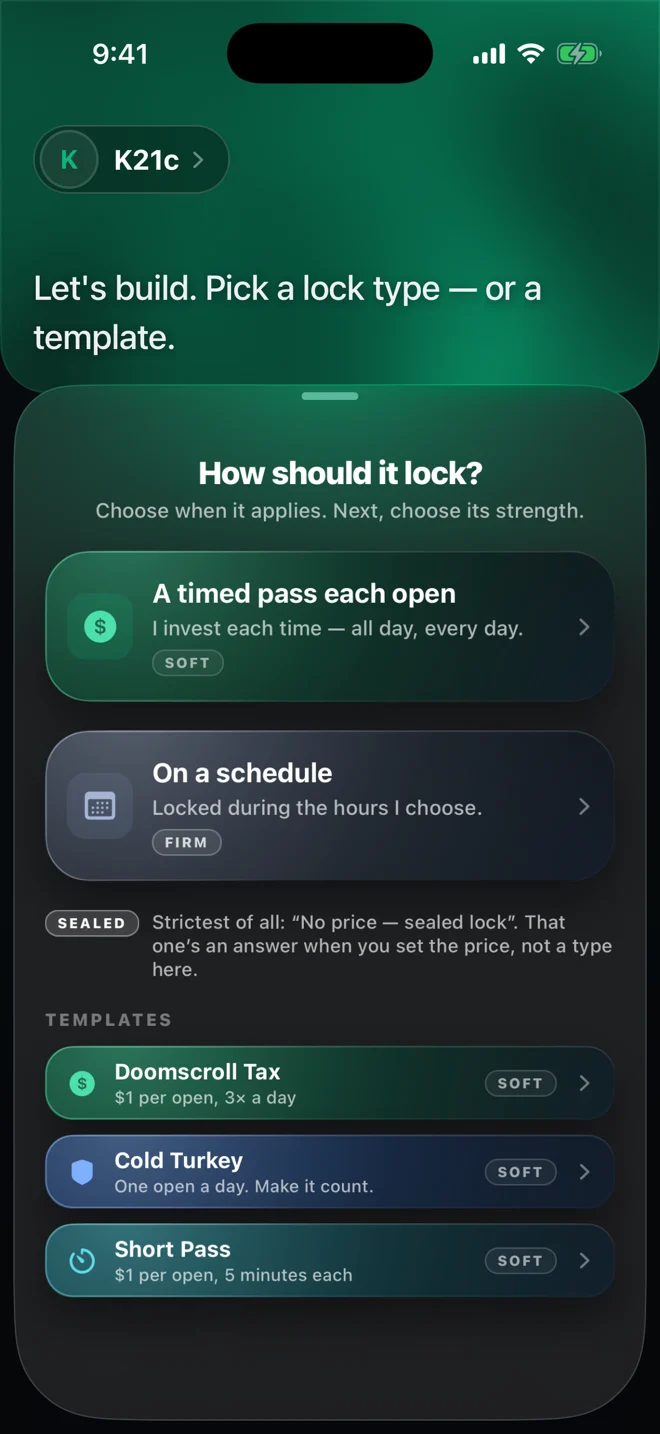
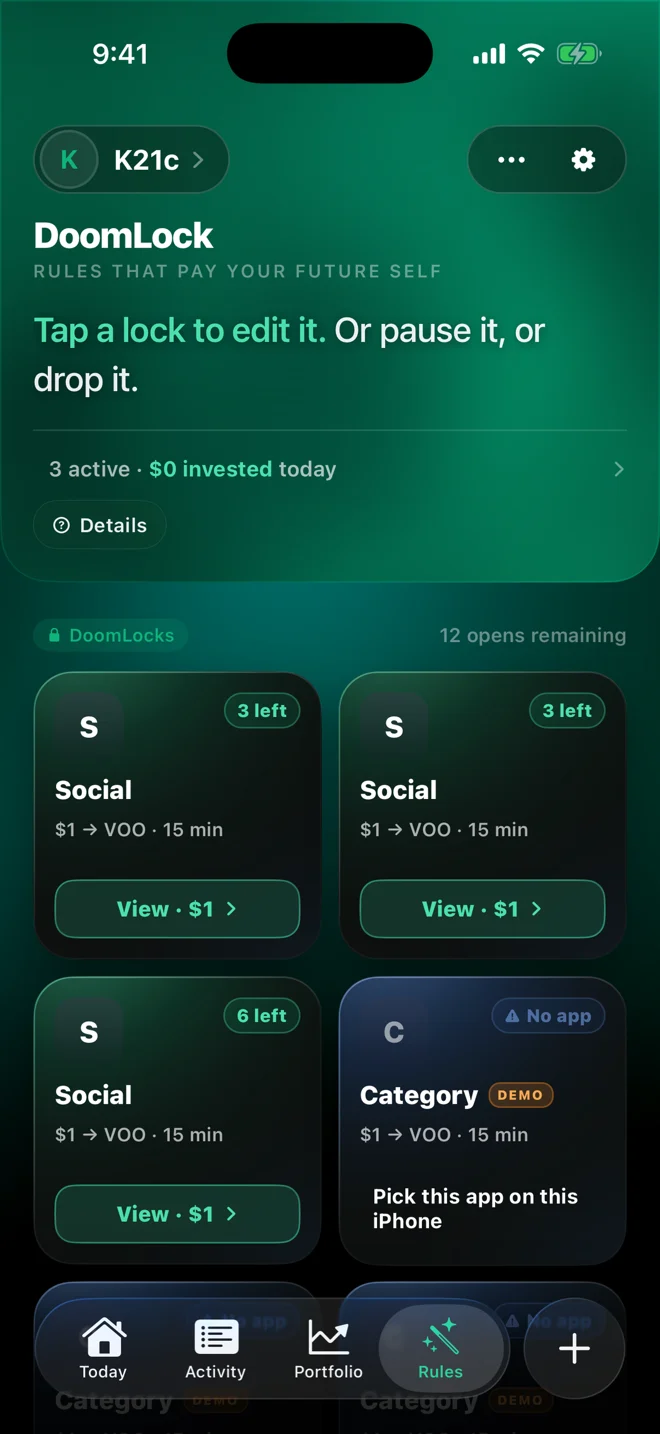
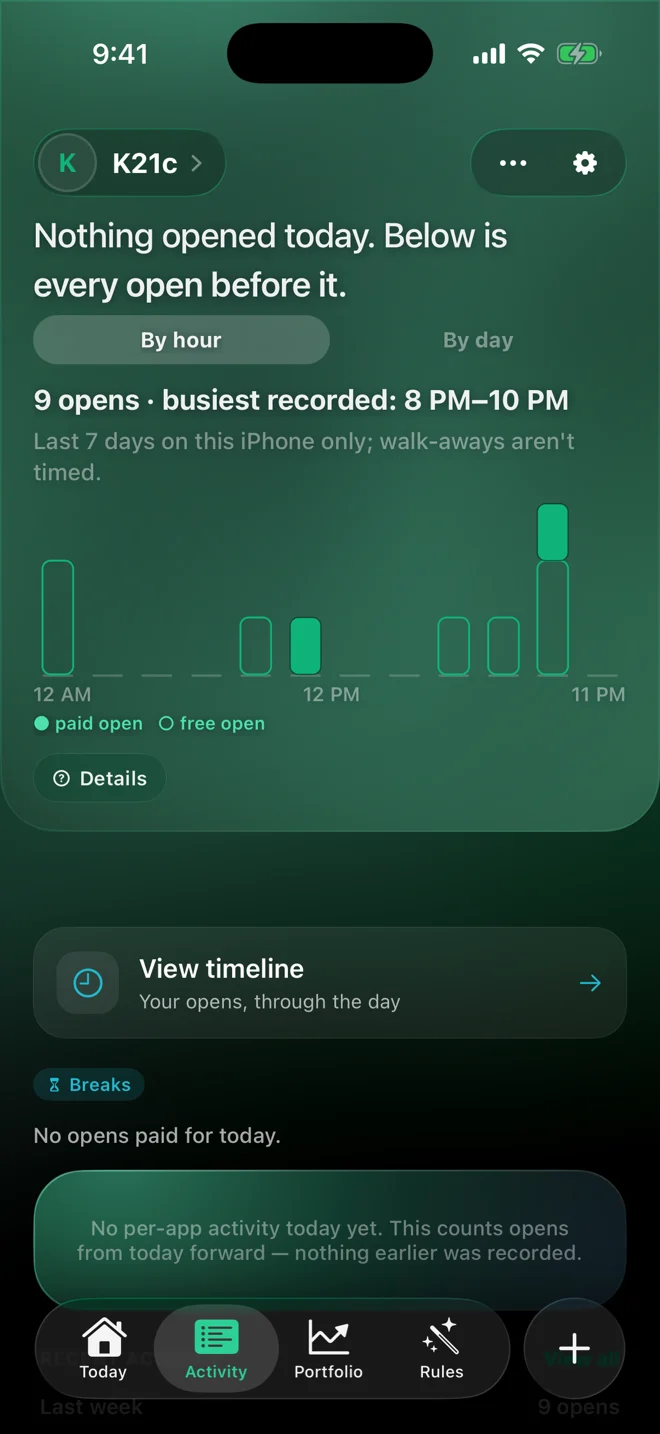
Some people want each open to count for something. If you turn it on, the amount your rule sets goes into the stock you picked, every time you choose to open.
Investing involves risk, including possible loss of principal. Doomo is not a broker or adviser and does not give investment advice. Investment Disclosures
Doomo works fully without it. Nothing is ever bought unless you turn investing on yourself.
Connect an account you already own through a secure third-party connection service. Doomo never sees your password.
You set the amount per open, from $1, and the stock or fund when you write the rule.
No selling, transfers, withdrawals, margin or crypto. Orders are placed by your brokerage, in your account.
No fees, no commissions. Doomo never holds, receives or moves your money.
Turn live investing off in Settings whenever you like. Your rules keep working.
The app selection you make in Apple’s Screen Time picker stays on your iPhone. Doomo syncs only an app’s name, so your rules follow you to a new phone.
Doomo does not sell your data or follow you across other apps and websites.
Delete your account and its data any time from Settings, in your profile.
Read the full Privacy Policy.
Yes. Doomo has no subscription and no in-app purchases. Leaving an app closed is always free.
No. Rules, the shield and your timeline all work without one. Investing is an optional extra you can turn on later.
Many US brokerages that work with the third-party connection service Doomo uses. The app shows the current list before you connect.
No. Doomo does not recommend stocks or funds. You choose what to buy and how much, and investing involves risk, including possible loss of principal.
Through Apple’s Screen Time. You give Doomo permission once, pick the apps, and iOS shows Doomo’s shield when you try to open one.
In the app, open Settings, then your profile, then Delete account. Your account data is erased.
Doomo is coming soon to the App Store for iPhone.